


Taoriggs
Taoriggs 1080P Webcam,HD Webcam with Microphone,Full HD 1080P Streaming Web Camera Plug and Play & Wide Angle USB Camera for Youtube,Video Calling, Studying, Conference, Gaming with Rotatable Clip
Taoriggs 1080P Webcam,HD Webcam with Microphone,Full HD 1080P Streaming Web Camera Plug and Play & Wide Angle USB Camera for Youtube,Video Calling, Studying, Conference, Gaming with Rotatable Clip
Couldn't load pickup availability
FHD 1080P with 30 FPS Equipped with Full HD 1080P resolution and adopted the advanced H.264 compression technology, the webcam ,powered by USB port, delivers fabulous quality image at 30FPS, making the video and image super clear.
Plug&Play USB webcam With the simple USB 2.0 interface,no additional drivers or software required for the webcam. You can plug it to your laptop, desktop, computer or Smart TV to get up and running on video software immediately.
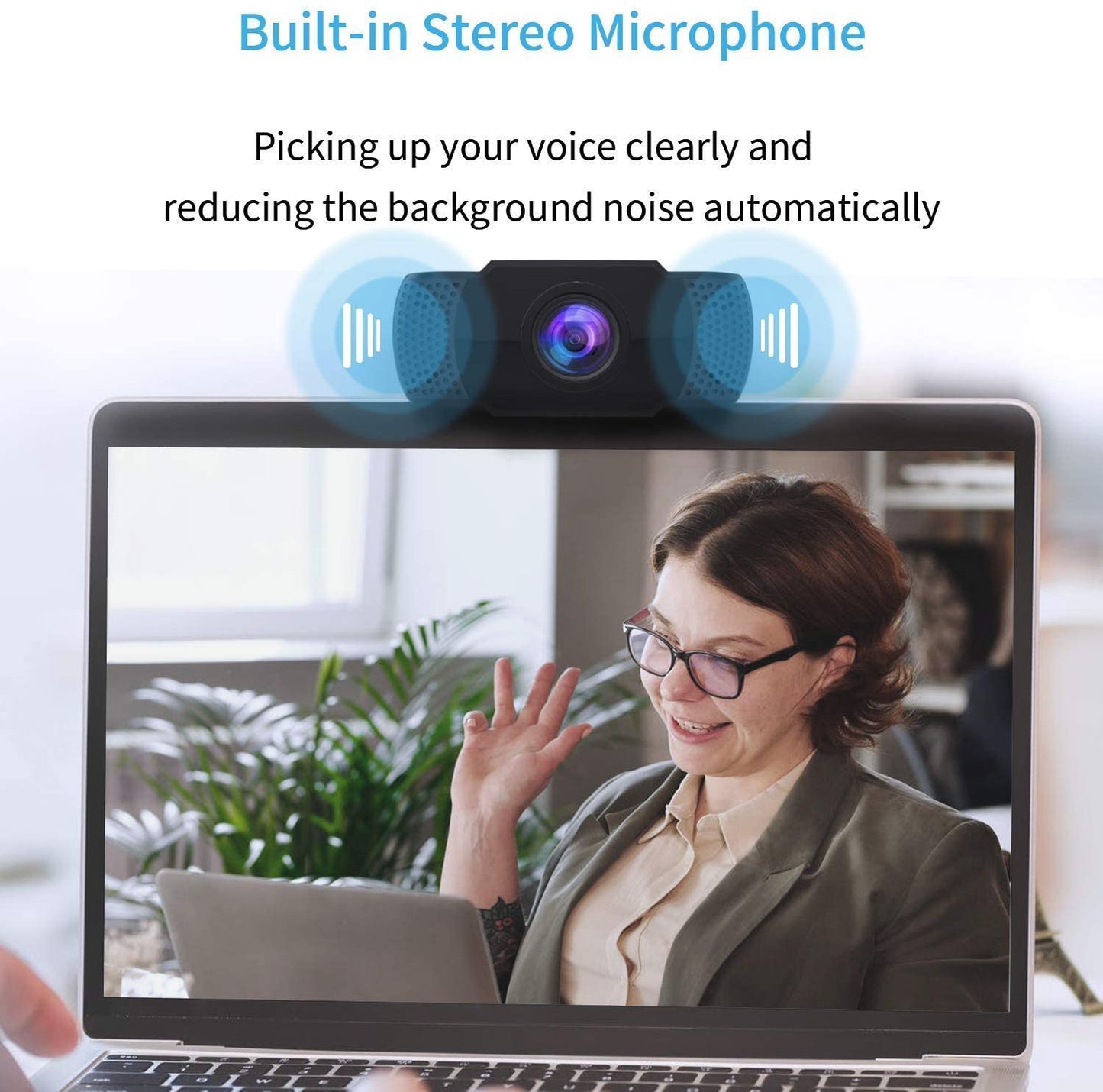
Noise-Canceling Microphone With built-in Noise-canceling stereo microphone, the PC webcam can transfer audio and automatically reduce noise, it will give you a reliable way of visual and audio communication.
Adjustable Clip It comes with an adjustable clip that you can adjust the angle of the webcam lens and the bracket, so it can be attached to your computer screens or TV monitors as well. or just put it on the desktop.
Multiple Supported Software This webcam is compatible with the current dominant video software like Zoom, Skype, Facebook, YouTube, PotPlayer, Face Time and others that running on Windows systems, Mac OS, Smart TV.
90° WIDE ANGLE The webcam at a wide angle of 90 degrees, ensuring an unparalleled use experience in multiple-people conferencing, family video calling and live streaming.
Every task that requires a webcam can be done easily with this webcam. Let it begin your best partner of your video call.
Tips:
You need to change the default camera settings if your computer or laptop already has a built-in camera---Changing the default camera in the chatting software settings, or making the built-in camera disable in the computer settings.
This webcam does not contain speakers. If you can't hear any voice, you should check whether you have connected a sound output device like speakers or headphones to your device.
Ingredients
Ingredients
How to use
How to use
Shipping
Shipping
Return policy
Return policy


Talk about your brand
Share information about your brand with your customers. Describe a product, make announcements, or welcome customers to your store.
-
Column
Pair text with an image to focus on your chosen product, collection, or blog post. Add details on availability, style, or even provide a review.
-
Column
Pair text with an image to focus on your chosen product, collection, or blog post. Add details on availability, style, or even provide a review.
-
Column
Pair text with an image to focus on your chosen product, collection, or blog post. Add details on availability, style, or even provide a review.
-
Column
Pair text with an image to focus on your chosen product, collection, or blog post. Add details on availability, style, or even provide a review.